
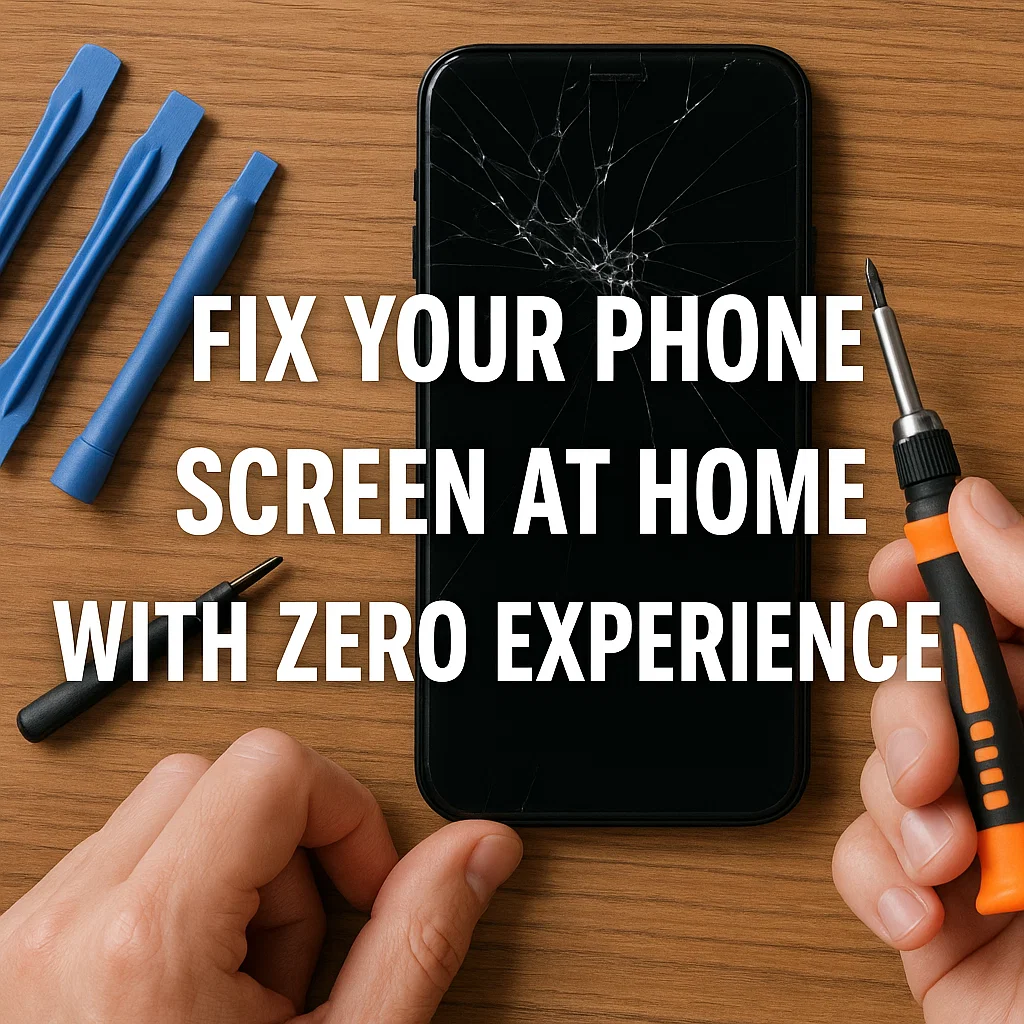
Introduction
Ever dropped your phone and felt that gut-punching moment when the screen cracks? We’ve all been there. The good news? You don’t have to be a tech wizard or pay hundreds to get it fixed. With the right tools and a bit of guidance, even total beginners can replace a phone screen from the comfort of home. This article is your go-to blueprint for everything you need—tools, tips, and the step-by-step know-how.
Why Learn to Replace Your Own Phone Screen?
Let’s be real: phone repairs can cost a fortune. But with a little DIY spirit, you can save money, learn something new, and flex your tech muscles. Fixing your own screen is not just cost-effective—it’s empowering.
- Save up to 70% on repair costs
- Develop practical skills you can use forever
- Take control of your own tech without waiting days for service
What You’ll Need – Complete Phone Repair Tool Kit
Before you begin your repair mission, you need the right gear. Here’s your essential checklist:
Basic Tools Checklist
- Precision Screwdrivers – These are a must. Phones use tiny screws, and your regular screwdriver won’t cut it.
- Suction Cup – Helps lift the screen gently without cracking it further.
- Plastic Pry Tools (Spudgers) – Used to separate screen from the frame without damage.
- Tweezers – Handy for handling small components and connectors.
- SIM Card Ejector – To remove the SIM tray before you start.
- Microfiber Cloth + Isopropyl Alcohol – For cleaning screens and components.
Advanced Tools (Optional but Helpful)
- Heat Gun or Hair Dryer – Softens the adhesive to make the screen easier to remove.
- Magnetic Screw Mat – Keeps screws organized (trust me, they all look the same).
- Anti-static Gloves – Protects components from static electricity.
- Multimeter – Diagnoses battery and screen current if something goes wrong.
Alternative Household Tools
If you’re on a tight budget, you can improvise:
- Razor blade or guitar pick – Works as a prying tool.
- Hair dryer – Works as a substitute for a heat gun.
- Toothpick – Can act as a makeshift tweezer or tool for pressing connectors.
Safety First – Essential Precautions Before You Start
Power Off and Disconnect Battery
Always turn off your phone and disconnect the battery first. This prevents short circuits and protects you from electric shocks.
Ground Yourself
Static electricity can fry your phone’s motherboard. Either use an anti-static wrist strap or touch a metal object frequently while working.
Keep Track of Screws
Each screw has a place. Mix them up, and your phone might not fit back together. Use a screw mat, labeled tray, or just paper with tape to organize.
Work in a Clean, Bright Space
Avoid carpeted areas (static!) and work on a clear desk under bright light.
Step-by-Step Guide: How to Use Each Tool
Using the Screwdriver Set
Gently apply pressure and turn. Don’t over-tighten or strip the screw heads.
Proper Use of the Suction Cup
Stick it firmly on the screen, pull slowly and evenly. Don’t yank—it’s not a soda can tab.
How to Use Pry Tools Safely
Insert the plastic tool between the screen and frame. Twist gently, move along the edges like opening a paint can.
Tweezers Tips for Handling Small Parts
Use tweezers to lift connectors, screws, or bits of adhesive. Avoid stabbing the board!
When and How to Use Heat
Blow warm air (not too hot!) around the screen edges for 30–60 seconds. It loosens the glue, making separation safer.
Real-Life Demo: iPhone/Android Screen Replacement
Disassembling the Phone
Remove SIM tray, screws, and then gently pry open the back or front, depending on your model.
Removing the Old Screen
Unplug connectors. Use heat and suction + pry tools to lift the screen.
Installing the New Screen
Plug in the connectors. Align the screen carefully. Test before final screw-down.
Testing Before Reassembly
Always boot the phone first—check if the display and touch work properly. If not, recheck connections.
Common Mistakes to Avoid
- Don’t Rush: Slow and steady wins this race.
- Avoid Metal Tools on Battery: Could puncture or short.
- Don’t Force Anything: If it doesn’t come off, you missed a screw.
Pro Tips to Make DIY Repair Easier
- Label Screws: Or take pictures of each step.
- Watch Tutorials: Search YouTube for your exact phone model.
- Practice First: Try with an old/broken phone to build confidence.
When to Call a Professional
Sometimes it’s better to step back. Call in the pros if:
- You don’t have the right tools
- The phone doesn’t turn on after screen install
- You see burn marks or broken motherboard
Conclusion
DIY phone screen repair is not rocket science. With a clear guide, the right tools, and a bit of patience, anyone—even a total beginner—can do it. Whether you want to save money or just love fixing stuff yourself, starting with a toolkit is the first big step.
Now go grab those tools and bring your phone back to life!
FAQs
1. Can I fix a cracked screen without replacing it?
Minor cracks can be covered with a screen protector, but replacement is the only real fix.
2. Is it safe to use a hairdryer instead of a heat gun?
Yes, just don’t overheat. Keep it moving and avoid melting plastic.
3. How long does a screen replacement take?
For beginners, around 1–2 hours. Pros can do it in 20–30 minutes.
4. What if I lost a screw?
Try to match it at a hardware store or online. Don’t leave internals loose.
5. Can I reuse the old screen?
If it still functions and you just opened the phone for cleaning or inspection, sure. But cracked screens usually need replacement.



