
Zavedenie
Buďme úprimní – obrazovky smartfónov Samsung si vybudovali povesť jedných z najlepších na svete. Ohromujúce farby, hlboké čierne, a hladká obnovovacia frekvencia z nich robí ústredný bod mnohých vlajkových zariadení. Sú však skutočne bezchybné? Nie presne.
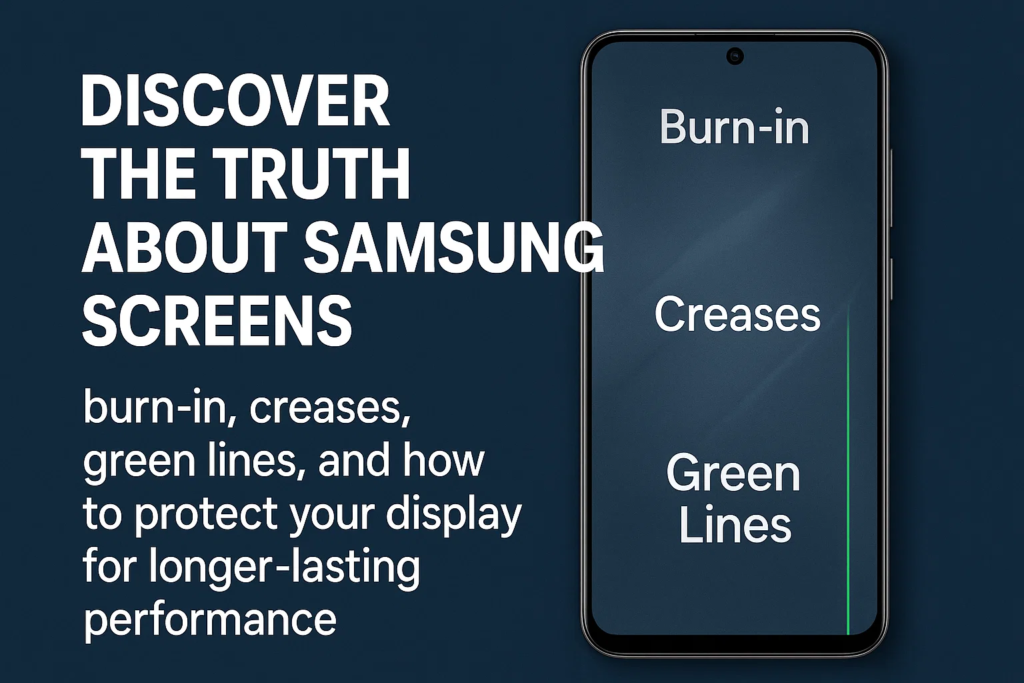
V priebehu rokov, užívatelia vyjadrili obavy zapálenie, tajomné zelené čiary, a skladacím záhybom displeja. Tieto problémy odhaľujú, že aj pokročilá technológia OLED od spoločnosti Samsung má svoje slabé stránky. V tomto článku, podrobne sa ponoríme do problémov s odolnosťou a spoľahlivosťou obrazoviek Samsung.
Achillova päta OLED: Zapálenie
Čo je Burn-in?
Vypálenie je jav, pri ktorom sa určité časti displeja natrvalo odfarbia alebo sa na nich zachovajú duchovia. Napríklad, ak necháte navigačný panel alebo stavové ikony zobrazené celé mesiace, tieto tvary môžu slabo zostať, aj keď prepnete na iné aplikácie.
Prečo je OLED náchylný na nerovnomerné starnutie
Na rozdiel od LCD panelov, Obrazovky OLED sa pri vyžarovaní svetla spoliehajú na organické zlúčeniny. Tieto materiály časom degradujú, a degradácia nie je rovnomerná. Oblasti so statickými obrázkami alebo jasnejším obsahom starnú rýchlejšie, vytváranie trvalých značiek.
Ako sa Samsung snaží bojovať proti vyhoreniu
Samsung tento problém až príliš dobre pozná a do svojho softvéru a hardvéru zabudoval niekoľko protiopatrení:
- Posun pixelov: Mierne posúva prvky obrazovky, aby sa opotrebenie rovnomerne rozložilo.
- Skrytie virtuálnej navigačnej lišty: Umožňuje používateľom skryť tlačidlá, keď nie sú potrebné.
- Automatické nastavenie jasu: Znižuje intenzitu v statických oblastiach.
Účinnosť týchto opatrení
Zatiaľ čo tieto riešenia pomáhajú, úplne neodstraňujú pripálenie. Pre náročných používateľov – myslite na hráčov alebo tých, ktorí udržujú svoje telefóny na maximálnom jase – sa vypaľovanie môže vkrádať aj po rokoch používania.
Výzva skladacích obrazoviek
Vzostup skladacích smartfónov
Spoločnosť Samsung bola priekopníkom na trhu bežných skladacích zariadení so sériou Galaxy Z. Inovácia je ohromujúca, ale s tým prichádza aj nevyhnutná výzva: trvanlivosť.
PUBLIKÁCIA (Ultra tenké sklo) vs. CPI (Bezfarebný Polyimid)
Samsung používa PUBLIKÁCIA, tenká vrstva skla, ktorá sa ohýba bez rozbitia. Pred UTG, foldables spoliehal na Plastové kryty CPI.
- Trvanlivosť: UTG je odolnejší voči poškriabaniu ako CPI, ale aj tak to môže prasknúť.
- Flexibilita: CPI sa ľahko ohýba, ale pôsobí lacno a rýchlo sa poškriabe.
- Odolnosť proti poškriabaniu: Žiadna možnosť sa nezhoduje s odolnosťou Gorilla Glass na plochých telefónoch.
Úloha dizajnu pántov
Pánt nie je len skladací mechanizmus – ovplyvňuje to, ako sa stres rozdeľuje po obrazovke. Zle navrhnutý pánt zvyšuje hĺbku záhybov a môže spôsobiť nerovnomerný tlak, vedie k dlhodobému poškodeniu. Samsung s každou generáciou zdokonaľoval dizajn pántov, ale záhyby zostávajú viditeľné.
Neslávne známe vydanie „Green Line“.
Čo je to defekt zelenej čiary?
Mnoho používateľov hlásilo, že sa na ich obrazovkách Samsung objavuje jasne zelená vertikálna čiara, zvyčajne po roku alebo dvoch používaní – alebo dokonca po aktualizácii softvéru.
Možné príčiny
- Degradácia páskového kábla: Konektory vo vnútri obrazovky sa časom oslabujú.
- Chyby zapuzdrenia: Nedokonalé tesnenie umožňuje vlhkosti alebo vzduchu poškodiť OLED.
- Nepravidelnosti napätia: Nekonzistentnosť dodávky energie spôsobuje poruchy pixelov.
Prečo prémiové obrazovky stále čelia takýmto problémom
Aj keď Samsung vyrába jedny z najpokročilejších OLED na svete, mikroskopické chyby vo výrobe alebo stres z každodenného používania môžu tieto poruchy spustiť. Dokonalosť v hromadnej výrobe je takmer nemožná.
Náklady na opravu a trh tretích strán
Vysoká cena originálnych výmen displeja Samsung
Ak prasknete alebo poškodíte obrazovku vlajkovej lode Samsung, pripravte si peňaženku. Výmena môže stáť stovky dolárov, často až do 30– 40 % z ceny telefónu.
Výzvy s obrazovkami tretích strán
Mnoho ľudí sa obráti na opravovne tretích strán pre lacnejšie alternatívy. Má to však háčik:
- Nesúlad kvality: Farby môžu vyzerať vyblednuté alebo príliš nasýtené.
- Farebná nepresnosť: Biele môžu vyzerať žltkasté alebo modrasté.
- Problémy s citlivosťou na dotyk: Neoriginálne panely môžu meškať alebo nesprávne registrovať dotyky.
Riziká falšovaných displejov
Niektoré obrazovky tretích strán dokonca nie sú OLED – môžu to byť staršie LCD, ktoré sa predávajú ako náhrady. Zatiaľ čo lacnejšie, ničia prémiový zážitok od Samsungu.
Povedomie a prevencia používateľov
Obrazovky Samsung sú špičkové, ale žiadna technológia nie je neporaziteľná. Takto môžete predĺžiť ich životnosť:
- Znížte riziko popálenia: Použite tmavý režim, nižší jas, a otáčať obsah.
- Starostlivosť o skladacie: Vyhnite sa silnému tlaku na záhyb a chráňte pánt pred prachom.
- Rozpoznajte skoré zelené čiary: Dávajte pozor na jemné sfarbenie skôr, ako sa zhorší.
- Stanovte si realistické očakávania: Aj tie najlepšie displeje majú kompromisy.
Záver
Displeje Samsungu sú úchvatné – to sa nedá poprieť. Stanovujú zlatý štandard pre farbu, jas, a hladkosť. Ale pod povrchom, problémy s odolnosťou, ako je vyhorenie, skladacie záhyby, a zelené čiary pripomeňte nám, že dokonalosť v technológii neexistuje.
Ako používatelia, najlepším prístupom je uvedomenie. Poznaním slabých miest, môžete si vychutnať úžasné obrazovky Samsung a zároveň prijať opatrenia na predĺženie ich životnosti.
Časté otázky
1. Čo spôsobuje vypálenie OLED a dá sa to opraviť?
Vypaľovanie je spôsobené nerovnomerným starnutím OLED pixelov. Bohužiaľ, akonáhle sa objaví, je to trvalé. Prevencia je kľúčová – pomáha tmavý režim a zníženie jasu.
2. Sú skladacie obrazovky menej odolné ako ploché?
Áno. Skladacie používajú flexibilné materiály ako UTG, ktoré sú na plochých telefónoch krehkejšie ako Gorilla Glass. Sú náchylnejšie na škrabance a záhyby.
3. Prečo niektoré telefóny Samsung po aktualizáciách zobrazujú zelené čiary?
Problém zvyčajne súvisí s hardvérom, aktualizácie však môžu zvýšiť napätie obrazovky, zviditeľnenie existujúcich nedostatkov.
4. Oplatí sa vymeniť obrazovku Samsung za možnosť tretej strany?
Ak vám záleží na kvalite zobrazenia, držať s originálnymi dielmi. Obrazovky tretích strán môžu fungovať, ale často znižujú jas, farba, a odozva na dotyk.
5. Ako môžem predĺžiť životnosť displeja Samsung?
Vyhnite sa statickým obrázkom, používajte mierny jas, povoliť tmavý režim, a so skladacími zariadeniami zaobchádzajte opatrne.



