
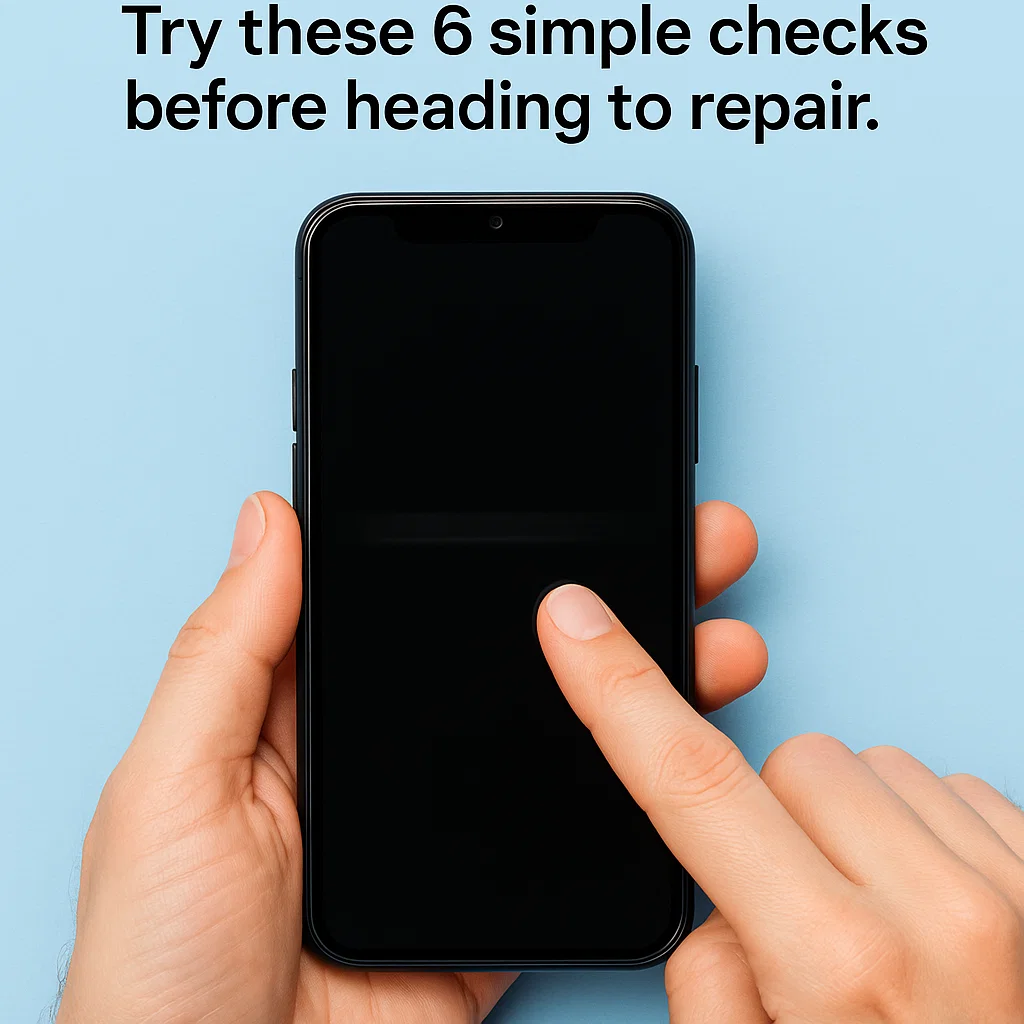
You wake up, check your phone—and nothing. The screen won’t respond, no matter how many times you tap, swipe, or scream at it. Sound familiar? Don’t worry, you’re not alone—and it doesn’t always mean a costly repair is coming your way.
Before rushing to a technician, let’s walk through a simple 6-step self-check process. It can help you figure out whether your screen is the problem, or if the issue runs deeper into the motherboard. Plus, we’ll break down repair options and costs, so you’re prepared for what’s next.
🛠 Step 1: Rule Out Temporary Software Glitches
🔁 Restart Your Phone First
Sometimes, all your phone needs is a fresh start. A simple reboot can clear minor system errors and restore touch functionality instantly.
🛡 Boot in Safe Mode to Check App Conflicts
Booting into Safe Mode disables third-party apps. If your touchscreen works here, an app might be causing the issue. Uninstall recently downloaded apps one by one to identify the culprit.
📱 Perform a Touchscreen Test Using Hidden Codes
For Android users, dial *#0*# to access the diagnostic menu (works on many Samsung models). Use the Touch test to confirm responsiveness. iPhone users can use accessibility settings under Settings > Touch > AssistiveTouch.
🐢 Step 2: Check for System Lag or Freezing
🧊 Signs It’s Software-Related
Is the entire phone slow? Apps crashing? Touch delay rather than total failure? This usually signals a software hiccup, not hardware damage.
🧹 Clear Cache and Uninstall Problematic Apps
Use your phone’s storage settings to clear system and app cache. Free up space—it helps more than you’d think.
🔍 Step 3: Inspect the Display for Physical Damage
🪟 Look for Cracks, Black Spots, or Flickering
Visible damage often means hardware trouble. Cracks near the edges can sever touch circuits, even if the screen still looks “fine.”
📍 Is Touch Dead in One Spot Only?
Dead zones suggest localized screen failure. If you can tap everywhere except a specific area, it’s likely a screen issue, not the motherboard.
📦 Step 4: Gently Press Around the Edges
🔌 Could Be Loose Flex Cables
Your screen connects to the motherboard via tiny flex cables. If your phone was dropped, these might’ve loosened.
🔧 Temporary Fixes You Can Try
Sometimes gently pressing along the screen’s edge—especially near the top—can temporarily re-seat the cables. If touch returns briefly, that’s a strong sign the issue is hardware, but not fatal.
🖱 Step 5: Try Connecting an External Mouse (OTG)
🧪 Use OTG to Test Screen Indirectly
If you can’t interact with the screen at all, plug in a USB mouse using an OTG adapter. If it works, the system is functional—your screen isn’t.
💾 Back Up Your Data ASAP
If the touchscreen is dead but the system runs fine, use the external mouse to back up photos, contacts, and other data before it worsens.
🚨 Step 6: Check for Signs of a Motherboard Failure
🔥 Overheating, Auto-Restarts, or No Display?
These red flags point to deeper problems—often in the motherboard. If your phone gets hot for no reason or reboots randomly, it’s not just a screen issue.
🔇 Sound/Charging Working but No Display or Touch?
It might still be a display issue, but if both display and touch fail together, the mainboard may be involved.
🔍 Common Causes of Touchscreen Failure
- Software bugs
- App conflicts
- Loose connectors
- Water damage
- Broken digitizer or LCD
- Mainboard malfunction
🔎 Screen vs. Motherboard: How to Tell
👨🔧 Tips from Technicians
- If touch fails but the display is intact: digitizer problem.
- If screen is black but phone vibrates: LCD issue.
- If screen and touch both fail intermittently: likely motherboard.
🛠 Repair Options Based on the Cause
✅ Minor Issues (Cheap Fixes)
- Software reset: Free
- Tighten flex cable: ~$10–$30 (or DIY)
📱 Screen Replacement
- Digitizer only: ~$30–$80
- Full screen (LCD + digitizer): ~$60–$200 depending on phone model
💻 Motherboard Repair
- Chip-level repair: ~$80–$150
- Full board replacement: ~$120–$300+
💰 Repair Cost Analysis
📊 Budget vs. Flagship Phones
- Budget phones (under $300): Screen ~$40–$70, Motherboard ~$90
- Flagship phones (like iPhone, Samsung S-series): Screen ~$150–$250, Motherboard ~$200–$350+
🔧 OEM vs. Third-Party
- OEM (Original Equipment Manufacturer) = higher cost but better quality.
- Third-party = cheaper, but quality varies.
🧰 DIY or Professional Repair?
If you’re tech-savvy, fixing a loose flex cable is doable. But when it comes to soldering or motherboard work—leave it to the pros unless you want to risk turning your phone into a paperweight.
📵 How to Prevent Touchscreen Issues
- Use a quality screen protector and case
- Avoid bending/sitting on your phone
- Don’t use wet hands on the screen
- Keep your OS updated
- Avoid cheap charging cables—they can fry touch IC chips
📱 When to Replace Instead of Repairing
If your phone is:
- Older than 3–4 years
- Out of warranty
- Repairs cost over 50% of the phone’s current value
…it may be time to consider a replacement rather than sinking money into repairs.
🔚 Conclusion
Your touchscreen might seem dead, but don’t jump to conclusions. With a little investigation and the steps we’ve shared above, you might just save yourself time, money, and stress. Whether it’s a simple fix or a motherboard issue, knowing the root cause empowers you to make the best next move.
❓ FAQs
1. Why does my phone randomly stop responding to touch?
It could be anything from a system glitch, faulty app, to hardware issues like a failing digitizer or flex cable.
2. Can a software update fix an unresponsive screen?
Yes—especially if the issue is caused by a buggy system update or app conflict.
3. Is it safe to press the screen edges to fix the touch?
Gently, yes. But avoid excessive pressure—it could crack the screen or worsen a loose connection.
4. How do I know if my screen is damaged internally?
Black dots, unresponsive zones, or ghost touches usually indicate internal damage to the LCD or digitizer.
5. Is motherboard repair even worth it?
It depends on your phone’s age and value. If it’s a flagship still under 2 years old, probably yes. For older models, maybe not.



