
Zavedení
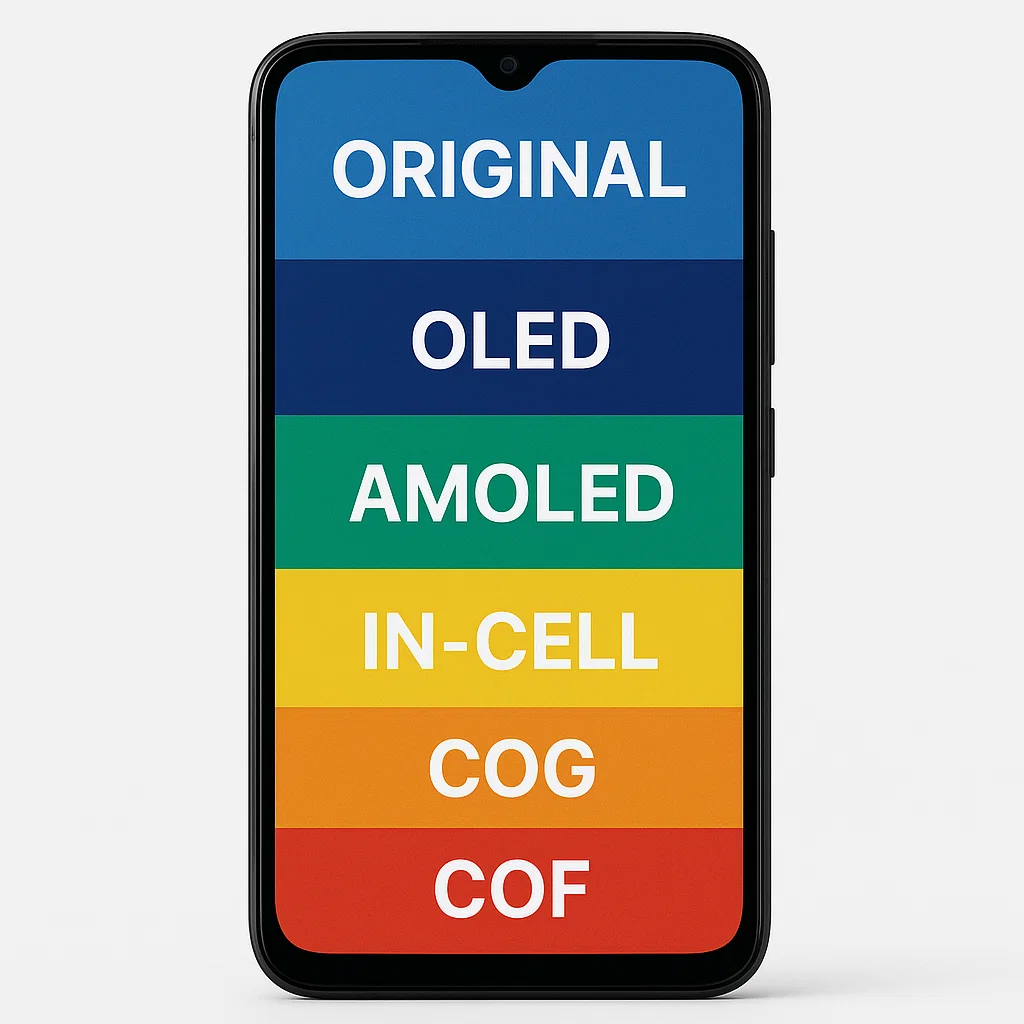
Už jste někdy praskli obrazovku telefonu a přemýšleli jste, jaký typ obrazovky si vlastně kupujete jako náhradu? Nejsi sám. Svět chytrých telefonů je plný žargonu jako originál, OLED, AMOLED, Incell, COG, COF – a upřímně, může to být ohromující. Nebojte se – mám vás v bezpečí. V tomto blogu, rozebereme různé typy obrazovek chytrých telefonů, které dnes na trhu najdete, jak se staví proti sobě, a který by pro vás mohl být tou správnou volbou.
Pochopení základů technologií displeje smartphonu
Než se pustíme do srovnání, pojďme si ujasnit základy.
Co je LCD?
LCD znamená Displej z tekutých krystalů. K osvětlení pixelů využívá podsvícení, což znamená, že černí nejsou úplně černí, protože světlo je vždy zapnuté. Je široce používán, protože je cenově dostupný, spolehlivý, a snadno se vyrábí. Ale ve srovnání s novější technikou, kontrast a živost barev mohou být nedostatečné.
Co je OLED?
OLED (Organická světelná dioda) je místo, kde věci začínají být zajímavé. Každý pixel na obrazovce OLED vyzařuje své vlastní světlo – není potřeba podsvícení. To znamená opravdoví černoši, jasnější barvy, a lepší kontrast. Plus, jsou tenčí a pružnější.
Co je AMOLED?
AMOLED (Aktivní Matrix OLED) je o krok výš od běžných OLED. Integruje tenkovrstvý tranzistor (TFT) vrstva, která ovládá každý pixel samostatně pro rychlejší obnovovací frekvence a lepší účinnost baterie. Obrazovky AMOLED najdete ve většině vlajkových smartphonů.
Co je TFT?
TFT (Tenkovrstvý tranzistor) je typ obrazovky LCD, který využívá technologii tenkých tranzistorů ke zlepšení kvality obrazu. I když nabízí slušný displej za nižší cenu, pozorovací úhly a reprodukce barev nejsou tak silné jako novější typy displejů.
Co je IPS?
IPS (Přepínání v rovině) je prémiová forma LCD s lepší přesností barev a pozorovacími úhly než TFT. Nachází se ve středních až špičkových zařízeních, která nejdou pro OLED panely.
Co je Incell?
Technologie Incell integruje dotykový panel přímo do vrstvy LCD, ztenčení obrazovky, jasnější, a citlivější. Mnoho novějších smartphonů upřednostňuje Incell před tradičními oddělenými vrstvami LCD.
Co jsou displeje COG a COF?
- COG (Čip na skle): Čip ovladače je namontován přímo na skle.
- COF (Čip na Flex): Čip je na pružném pásku, který se připojuje k displeji, umožňující ultratenké rámečky a zakřivený design obrazovky.
Druhy mobilních LCD obrazovek
Když jdete nakupovat na obrazovce, uvidíte tyto termíny rozhozené.
Původní obrazovky
Jsou to úplně stejné obrazovky, jaké používají výrobci telefonů. Nabízejí nejlepší zobrazení, dotyková odpověď, a trvanlivost – ale jsou také nejdražší.
Originální repasované obrazovky
Jedná se o originální originální obrazovky, které byly dříve používané nebo poškozené, poté opraveno (jako výměna skla nebo dotykových senzorů) a dále prodány. Kvalita se blíží originálu, ale liší se v závislosti na procesu renovace.
Kopírovat obrazovky (Třetí strana)
Vyrobeno společnostmi třetích stran, kopírovací obrazovky se dodávají v různých třídách (AAA, AA, atd.). Jsou mnohem levnější, ale často kompromisy v jasu, barva, a odezva na dotyk.
Hloubkové srovnání mezi typy obrazovek
Položme je vedle sebe.
Původní vs původní renovace
- Originál: Zbrusu nový, bezchybný výkon.
- Původní renovace: Při dobré renovaci téměř identické, ale riskuje nižší citlivost na dotyk nebo kratší životnost.
LCD vs OLED vs AMOLED
- LCD: Levnější, slušný jas, žádné hluboké černé.
- OLED: Vibrující, hlubší černoši, dražší.
- AMOLED: Nejlepší výkon, barevně bohaté, a úsporné na baterie.
TFT vs IPS
- TFT: Cenově výhodné, užší pozorovací úhly.
- IPS: Vynikající barvy a zážitek ze sledování, trochu dražší.
Incell vs běžné LCD
- Incell: Ředidlo, zapalovač, lepší citlivost na dotek.
- Běžný LCD: Tlustější, starší tech, levnější.
COG vs COF
- COG: Dobré pro standardní displeje.
- COF: Umožňuje ultratenké rámečky a pokročilé designy (jako skládací).
Výhody a nevýhody každého typu obrazovky
| Typ obrazovky | Pros | Nevýhody |
|---|---|---|
| LCD | Cenově dostupné, spolehlivý | Žádní opravdoví černoši, tlustší |
| OLED | Opravdoví černoši, zářivé barvy | Drahý, náchylné k vypálení |
| AMOLED | Nejlepší výkon, energetický efektivní | Nejdražší |
| TFT | Možnost rozpočtu | Špatné pozorovací úhly, barvy |
| IPS | Skvělé barvy, Prohlížení úhlů | Dražší než TFT |
| Incell | Tenký, citlivý | Může být drahý |
| COG | Kompaktní, dobrý výkon | Méně flexibilní než COF |
| COF | Možné ultratenké provedení | Složitější, nákladné |
Jak zjistit kvalitu obrazovky při nákupu náhradních obrazovek
- Zkontrolujte jas a čistotu barev
- Porovnejte odezvu na dotek
- Hledejte štítky výrobce
- Nakupujte u důvěryhodných, dobře prověření dodavatelé
- Pokud na kvalitě záleží, vyhněte se „kopii AAA“.
Časté mýty o mobilních zobrazovacích technologiích
- Mýtus: "Obrazovky AMOLED se vždy rychle vypálí."
Pravda: Moderní AMOLED jsou mnohem odolnější. - Mýtus: "Všechny renovované obrazovky jsou špatné."
Pravda: Dobří renovátoři se mohou rovnat původní kvalitě. - Mýtus: "TFT a LCD jsou to samé."
Pravda: TFT je typ LCD, ale ne všechny LCD jsou TFT.
Jakou obrazovku byste si měli vybrat?
Pro levné telefony
Jdi pro TFT nebo standardní LCD. Cenově dostupné, funkční, a dokončí práci.
Pro vlajkové uživatele
AMOLED nebo Incell IPS LCD pokud dáváte přednost LCD. Špičkový výkon a vizuální zpracování.
Pro mobilní hráče a milovníky médií
Nic se nebije AMOLED nebo OLED. Hluboká černá, vysoké obnovovací frekvence, a ultra-hladký zážitek.
Budoucí trendy v technologii displeje smartphonu
Dávejte pozor microLED displeje, kamery pod displejem, rolovací obrazovky, a holografické displeje. Hra s displejem právě začíná.
Závěr
Pokud jde o obrazovky mobilních zařízení, neexistuje žádná univerzální řešení. Důležitý je váš rozpočet, jak telefon používáte, a jaké funkce si ceníte nejvíce. Doufejme, tento průvodce pro vás objasnil technologickou džungli obrazovek. Až příště rozbiješ obrazovku, budete přesně vědět, co hledat.
Časté časté
Q1: Jaký je rozdíl mezi OLED a AMOLED?
A: AMOLED je typ OLED se systémem aktivní matice pro rychlejší, efektivnější ovládání pixelů.
Q2: Vyplatí se koupit repasovaný displej?
A: Pokud je od důvěryhodného renovátora s vysokými standardy – ano. Mohou fungovat téměř stejně dobře jako nové originály.
Q3: Proč některé displeje vypadají jasnější než jiné?
A: Jas závisí na typu obrazovky, síla podsvícení (v LCD), a technologie pixelů (v OLED/AMOLED).
Q4: Jaká je nejlepší obrazovka pro hraní her?
A: AMOLED nebo OLED displeje. Nabízejí rychlé obnovovací frekvence, hluboké černé, a výrazné barvy.
Q5: Jak zjistím, zda je náhradní obrazovka originální?
A: Zkontrolujte označení výrobce, porovnat výkon displeje, a nakupovat od ověřených dodavatelů.



