
Introduction
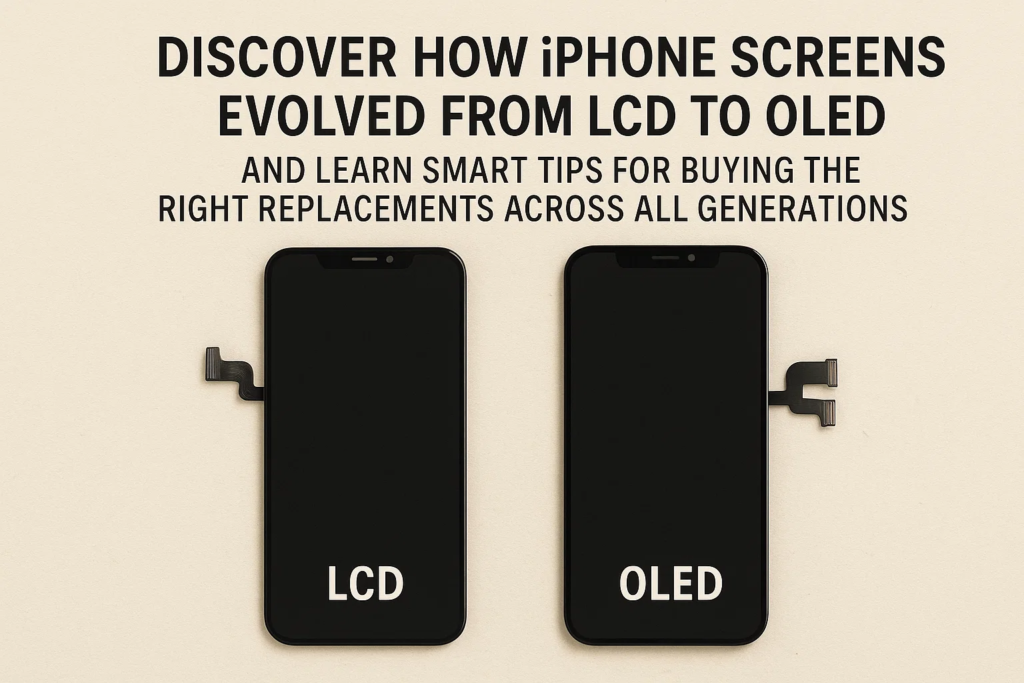
L’iPhone n’est pas seulement un smartphone, c’est une référence en matière d’innovation. Chaque génération est livrée avec de nouvelles fonctionnalités, et l'écran est souvent la pièce maîtresse de ces changements. De l'iPhone classique 8 LCD avec Touch ID à l'OLED avancé de l'iPhone 14 avec ProMotion et Always-On Display, l'évolution a été remarquable.
Pour les grossistes, ateliers de réparation, et responsables des achats, comprendre ces changements n’est pas seulement technique, c’est pratique. Acheter le mauvais écran, ou un remplacement de mauvaise qualité, peut conduire à des plaintes de clients, argent gaspillé, et la réputation de l'entreprise ternie. Décomposons l'évolution de l'écran de l'iPhone et ce à quoi vous devez faire attention lors de l'achat d'écrans sur iPhone. 8 via iPhone 14.
iPhone 8 Série – Le dernier des LCD avec Touch ID
Présentation de la technologie d’affichage LCD
L'iPhone 8 et 8 De plus, cela a marqué la fin de l’ère LCD d’Apple. Ces écrans Retina HD étaient nets, fiable, et relativement peu coûteux par rapport à l'OLED.
Intégration et durabilité de Touch ID
Contrairement aux nouveaux modèles Face ID, iPhone 8 je m'appuyais toujours sur le bouton d'accueil avec Touch ID. Cela rendait le remplacement de l'écran plus simple, mais nécessitait une manipulation soigneuse du capteur d'empreintes digitales lors des réparations..
Conseils d’achat pour iPhone 8 Écrans
- Vérifier la cohérence des fournisseurs, car les écrans LCD sont largement copiés.
- Assurer la compatibilité Touch ID.
- Focus sur la durabilité puisque la demande existe toujours sur les marchés de la réparation.
Série iPhone X – Passage à OLED et Face ID
Introduction de la technologie OLED
L'iPhoneX (2017) a changé la donne : il a introduit des écrans OLED avec des noirs profonds et un contraste plus élevé.
Face ID et impact de la caméra TrueDepth
Le passage à Face ID a nécessité une conception d'encoche complexe avec plusieurs capteurs, making screen replacements more challenging.
Procurement Concerns – OLED Burn-in Issue
OLED screens brought beauty but also risk. The iPhone X and XS models were infamous for brûlure, where static images leave permanent marks.
Quality Variations in Aftermarket OLED Panels
Some aftermarket OLEDs are dimmer, less color-accurate, or fail faster. Always request quality certifications.
iPhone XS, XSMax, and XR – Refining the OLED Era
Differences Between OLED and LCD in XR
The iPhone XR stood out with an LCD “Liquid Retina” screen, while XS and XS Max continued with OLED. Buyers had to carefully distinguish between XR’s LCD and the OLED counterparts.
Supply Chain Considerations
Replacement OLEDs for XS/XS Max tend to be expensive due to higher failure risks and calibration needs.
Replacement Challenges
Les responsables des achats doivent s’attendre à des prix plus élevés, stock limité, et un plus grand besoin de tests avant expédition.
iPhone 11 Série – Équilibrage OLED et LCD
iPhone 11 Achats d'écrans LCD
L'iPhone standard 11 retourné à l'écran LCD, ce qui le rend plus abordable en réparations.
iPhone 11 Exigences Pro/Pro Max OLED
Ces modèles portaient des OLED avancées, qui restent très demandés. Il est essentiel de se procurer des OLED fiables, car les plaintes des clients concernent souvent une gradation et une incohérence des couleurs..
Longévité et demande de réparation
L'iPhone 11 la série reste populaire, ce qui signifie une forte demande de remplacement, même aujourd'hui.
iPhone 12 Série – Transition Full OLED
Tous les modèles dotés de la technologie OLED
Apple a pris une décision audacieuse: chaque iPhone 12 modèle, y compris le mini, je suis passé à OLED.
Impact du bouclier en céramique
Les écrans ont acquis une nouvelle couche de robustesse. L'approvisionnement doit se concentrer sur des rénovations de qualité qui préservent l'intégrité du revêtement céramique..
Exigences de compatibilité et de test
Les OLED tiers présentent souvent des retards de réponse tactile. Les tests sont indispensables.
iPhone 13 Série – Luminosité et efficacité
OLED à luminosité plus élevée
L'iPhone 13 les écrans sont plus lumineux, ce qui rend les remplacements de mauvaise qualité faciles à repérer.
Améliorations de l'efficacité énergétique
Cela réduit la surchauffe, mais les acheteurs doivent vérifier que les remplacements ne compromettent pas la durée de vie de la batterie.
Cohérence des fournisseurs
Les panneaux OLED du marché secondaire varient considérablement. Travaillez uniquement avec des fournisseurs qui fournissent un étalonnage fiable de la luminosité.
iPhone 14 Série – Fonctionnalités d'affichage avancées
Technologie Promotion 120 Hz
L'iPhone 14 Les modèles Pro ont introduit des taux de rafraîchissement de 120 Hz. De nombreux fournisseurs de pièces de rechange ont encore du mal à égaler cette douceur.
Considérations sur l'affichage permanent
Une autre nouvelle fonctionnalité qui nécessite une qualité OLED précise. De mauvais remplacements peuvent vider les piles ou afficher un scintillement.
Défis d'approvisionnement
Des taux de rejet élevés, augmentation des coûts, et la fiabilité des fournisseurs sont des préoccupations majeures lors de l'achat d'un iPhone 14 écrans.
Considérations clés en matière d’approvisionnement à travers les générations
Compatibilité et variations d'assemblage
De petites différences, comme la conception des connecteurs ou la disposition des encoches, rendent risqué le mélange des écrans entre les modèles.
Niveaux de qualité
- OEM (Fabricant d'équipement d'origine) – Le meilleur mais le plus cher.
- Cellulaire/TFT – Alternatives à moindre coût, souvent avec une luminosité plus faible.
- Remis à neuf - Durable, mais cela dépend de la qualité de la rénovation.
Tests et étalonnage
Toujours exécuter la luminosité, précision des couleurs, et tests de réponse tactile avant l'expédition en vrac.
Risques courants
- Burn-in OLED (X, Série XS)
- Échec tactile (écrans de rechange)
- Incohérence de luminosité (13/14 panneaux de rechange)
Choisir le bon fournisseur
Certifications et contrôles de qualité
Demandez l'ISO, CE, ou certifications RoHS pour la crédibilité.
Équilibrer le prix et la fiabilité
Moins cher n’est pas toujours mieux : les écrans de mauvaise qualité génèrent plus de retours.
Service après-vente et garantie
Suppliers offering replacements or refunds reduce long-term risks.
Conclusion
From LCD Touch ID screens to cutting-edge OLED ProMotion panels, iPhone screens have evolved dramatically. Each generation brings not only new technology but also new procurement challenges. Buyers must pay close attention to compatibility, qualité, et la fiabilité des fournisseurs. Choosing wisely ensures long-term customer trust, moins de plaintes, and a stronger business.
FAQ
1. What is the biggest difference between iPhone LCD and OLED screens?
Les écrans LCD sont moins chers, brighter outdoors, and less prone to burn-in, while OLEDs have deeper blacks, contraste plus élevé, but risk burn-in and higher replacement costs.
2. How can I avoid buying low-quality aftermarket screens?
Work with certified suppliers, request testing reports, and avoid deals that look too good to be true.
3. Why are iPhone X OLED screens prone to burn-in?
Parce que les pixels OLED se dégradent de manière inégale lors de l'affichage d'images statiques pendant de longues périodes.
4. Les écrans reconditionnés sont-ils une option sûre pour les ateliers de réparation?
Oui, s'il provient de rénovateurs réputés qui utilisent du verre d'origine et effectuent des tests complets.
5. Comment tester la qualité de l'écran avant un achat en masse?
Vérifier la luminosité, précision des couleurs, réponse tactile, Compatibilité Face ID, et tests de durabilité à long terme.



