
Εισαγωγή
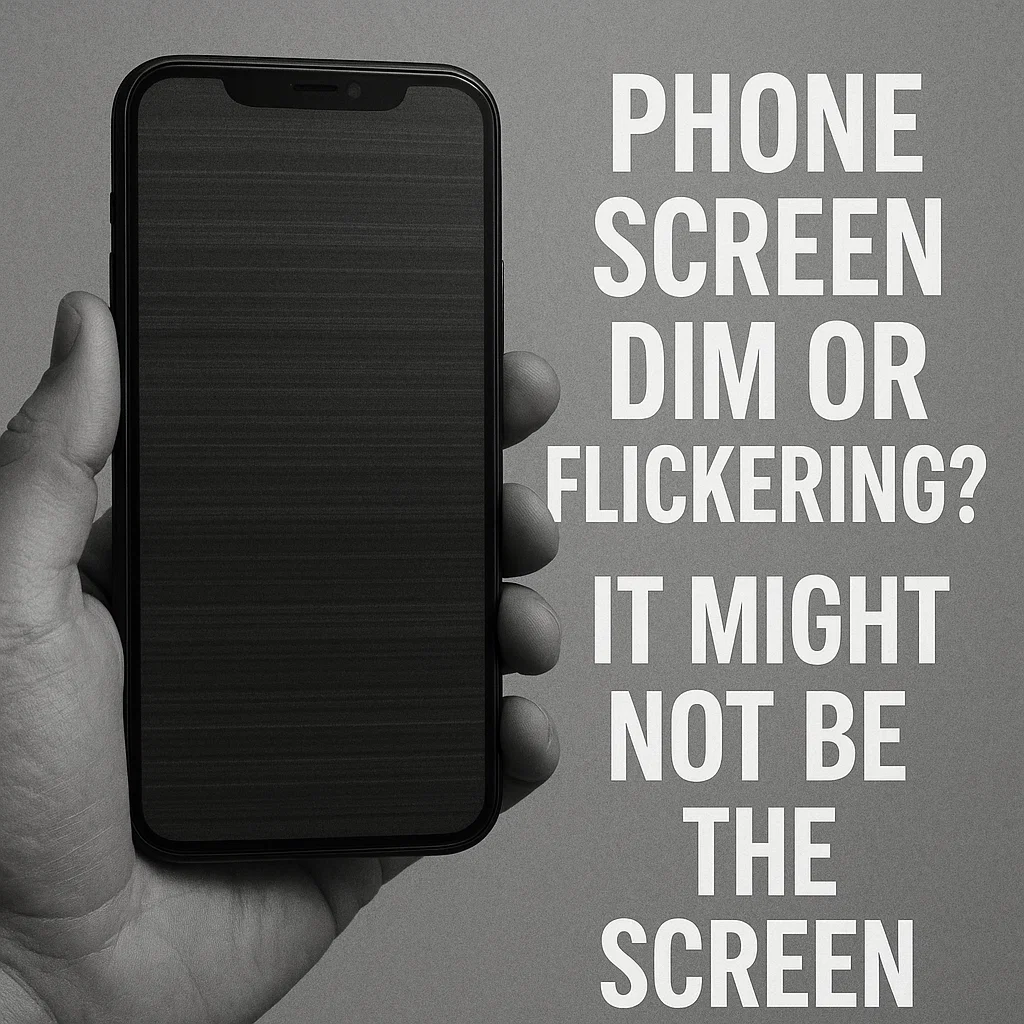
Κοίταξα ποτέ το τηλέφωνό σου και σκέφτηκες, “Γιατί η οθόνη μου είναι τόσο σκοτεινή ξαφνικά?” Ή ίσως έχετε παρατηρήσει η οθόνη σας να τρεμοπαίζει σαν φτηνό εφέ ταινίας τρόμου. Πριν βιαστείτε να αντικαταστήσετε ολόκληρη την οθόνη, εδώ είναι το θέμα: μπορεί να μην είναι καθόλου ο πίνακας οθόνης. Οντως, το πραγματικό πρόβλημα μπορεί να κρύβεται στο σύστημα οπίσθιου φωτισμού — και η επιδιόρθωση θα μπορούσε να κοστίσει ένα κλάσμα αντικατάστασης οθόνης.
Ας δούμε πώς να εντοπίσουμε, διαγιγνώσκω, και διορθώστε τα προβλήματα οπίσθιου φωτισμού με έξυπνο τρόπο.
Κοινά συμπτώματα ζητημάτων οπίσθιου φωτισμού
Η οθόνη εμφανίζεται αμυδρή ακόμα και σε πλήρη φωτεινότητα
Ανεβάζεις τη φωτεινότητα μέχρι το τέλος, αλλά η οθόνη σας εξακολουθεί να φαίνεται σαν να έχει κολλήσει σε λειτουργία εξοικονόμησης μπαταρίας. Αυτό είναι ένα κλασικό ζήτημα οπίσθιου φωτισμού.
Οθόνη που τρεμοπαίζει ή ανομοιόμορφος φωτισμός
Εάν βλέπετε τμήματα της οθόνης να αναβοσβήνουν ή να είναι πιο φωτεινά από άλλα, συχνά αποτυγχάνει η λωρίδα οπίσθιου φωτισμού — όχι η ίδια η οθόνη LCD.
Η φωτεινότητα αλλάζει τυχαία
Ξαφνικές βυθίσεις στη φωτεινότητα χωρίς να αγγίξετε καμία ρύθμιση? Θα μπορούσε να είναι ένας χαλαρός σύνδεσμος ή ένα IC με οπίσθιο φωτισμό.
Μύθοι σχετικά με το θαμπό και το τρεμόπαιγμα των οθονών
«Πάντα φταίει η οθόνη»
Οχι. Πολλοί άνθρωποι σπαταλούν χρήματα για μια αντικατάσταση πλήρους οθόνης όταν το πραγματικό πρόβλημα βρίσκεται από κάτω — στο σύστημα οπίσθιου φωτισμού.
"Μόνο μια αντικατάσταση πλήρους οθόνης μπορεί να το διορθώσει"
Πάλι λάθος. Εάν η οθόνη LCD λειτουργεί καλά, αλλά απλώς δυσκολεύεστε με τη φωτεινότητα ή το τρεμόπαιγμα, Η αντικατάσταση των στοιχείων οπίσθιου φωτισμού μπορεί να κάνει το κόλπο με πολύ χαμηλότερο κόστος.
Πώς λειτουργεί το σύστημα οπίσθιου φωτισμού τηλεφώνου
Τι είναι ο οπίσθιος φωτισμός?
Ο οπίσθιος φωτισμός είναι ένα σύνολο φώτων LED πίσω από την οθόνη LCD. Γυαλίζει μέσα από τα pixel για να τα κάνει ορατά.
Οπίσθιος φωτισμός έναντι μονάδας οθόνης
Η μονάδα οθόνης περιλαμβάνει την οθόνη LCD και την οθόνη αφής. Ο οπίσθιος φωτισμός είναι ένα ξεχωριστό στοιχείο κάτω από αυτό.
Ο ρόλος των καλωδίων IC και FPC Backlight
Το IC ελέγχει την παροχή ρεύματος. Καλώδια FPC (εύκαμπτα τυπωμένα κυκλώματα) συνδέστε τον οπίσθιο φωτισμό στη μητρική πλακέτα. Ένα χαλαρό καλώδιο μπορεί να κάνει την οθόνη σας να φαίνεται «νεκρή».
Βήμα προς βήμα διάγνωση ζητημάτων οπίσθιου φωτισμού
Βήμα 1 – Ελέγξτε πρώτα τις ρυθμίσεις λογισμικού
Μην το παραβλέπετε αυτό! Απενεργοποιήστε την προσαρμοστική φωτεινότητα, επαναφέρετε τις ρυθμίσεις, και ελέγξτε αν βελτιώνεται η φωτεινότητα.
Βήμα 2 – Επιθεωρήστε την υποδοχή σύνδεσης οθόνης και το καλώδιο Flex
Ανοίξτε το τηλέφωνο και ελέγξτε εάν το καλώδιο της ταινίας της οθόνης είναι χαλαρό ή κατεστραμμένο. Η επανατοποθέτησή του μπορεί να διορθώσει το πρόβλημα αμέσως.
Βήμα 3 – Δοκιμάστε το IC Backlight
Πώς να εντοπίσετε καμένο ή βραχυκυκλωμένο IC
Αναζητήστε αποχρωματισμό ή μυρωδιά καμένου κοντά στην περιοχή IC με οπίσθιο φωτισμό. Αυτά τα τσιπς μπορούν να τηγανιστούν από υπερτάσεις ισχύος.
Βήμα 4 – Χρησιμοποιήστε ένα πολύμετρο για δοκιμές
Δοκιμή συνέχειας σε κυκλώματα οπίσθιου φωτισμού. Εάν η τάση είναι απενεργοποιημένη ή δεν υπάρχει σήμα, είναι ώρα για επισκευή ή αντικατάσταση.
Είναι ελαττωματική η ταινία οπίσθιου φωτισμού? Δείτε πώς να ξέρετε
Συμπτώματα μιας λωρίδας οπίσθιου φωτισμού που πεθαίνει
- Οριζόντιες ρίγες ή σκιές
- Περιοχές που παραμένουν σκοτεινές ενώ οι υπόλοιπες ανάβουν
Μέθοδος δοκιμής φακού
Λάμψτε έναν φακό στην οθόνη. Εάν μπορείτε να δείτε αμυδρά τα εικονίδια και τη διεπαφή, Η οθόνη LCD σας είναι εντάξει — είναι ο οπίσθιος φωτισμός που έχει χαλάσει.
Πώς να αφαιρέσετε και να επιθεωρήσετε την ταινία
Χρησιμοποιήστε ένα πιστόλι θερμότητας για να μαλακώσετε την κόλλα. Ανασηκώστε απαλά την οθόνη LCD για να δείτε τη λωρίδα οπίσθιου φωτισμού. Ελέγξτε για ρωγμές ή καμένα τμήματα.
Πώς να αντικαταστήσετε μια ταινία οπίσθιου φωτισμού τηλεφώνου
Εργαλεία που θα χρειαστείτε
- Σετ κατσαβιδιών ακριβείας
- Πλαστικά σφουγγάρια
- Θερμικό πιστόλι
- Νέα ταινία οπίσθιου φωτισμού
- Τσιμπιδάκια και ισοπροπυλική αλκοόλη
Αποσυναρμολόγηση του τηλεφώνου
Αφαιρέστε το πίσω πλαίσιο, αποσυνδέστε την μπαταρία, και ξεβιδώστε την οθόνη προσεκτικά.
Αφαίρεση της Παλιάς Λωρίδας
Εφαρμόστε θερμότητα, στη συνέχεια ξεφλουδίστε την παλιά λωρίδα με τσιμπιδάκια.
Εγκατάσταση της νέας ταινίας οπίσθιου φωτισμού
Ευθυγραμμίστε τη νέα λωρίδα ακριβώς όπως την παλιά. Ασφαλίστε το και επανασυνδέστε όλα τα ευέλικτα καλώδια.
Επανασυναρμολόγηση και δοκιμή
Βάλτε τα όλα πίσω, ενεργοποιήστε το τηλέφωνο, και δοκιμάστε τη φωτεινότητα. Θα καταλάβετε αμέσως αν το κάνατε σωστά!
Όταν το IC Backlight Χρειάζεται Αντικατάσταση
Τι είναι το IC Backlight?
Είναι ένα μικροσκοπικό τσιπ που ρυθμίζει την ισχύ στον οπίσθιο φωτισμό σας. Αν είναι κατεστραμμένο, η ταινία δεν θα πάρει ρεύμα, ακόμα κι αν είναι ολοκαίνουργιο.
Συμβουλές συγκόλλησης για την αντικατάσταση του τσιπ
Χρησιμοποιήστε flux και σταθμό επανεπεξεργασίας ζεστού αέρα. Αφαιρέστε το ελαττωματικό τσιπ, καθαρίστε τη σανίδα, και κολλήστε το νέο IC στη θέση του.
Κίνδυνοι ακατάλληλης αντικατάστασης IC
Οι κακές συνδέσεις συγκόλλησης μπορούν να τηγανίσουν τη μητρική σας πλακέτα. Αν δεν έχεις αυτοπεποίθηση, αφήστε αυτή τη δουλειά σε έναν επαγγελματία.
Σύγκριση κόστους επισκευής: Οθόνη έναντι οπίσθιου φωτισμού
Κόστος αντικατάστασης πλήρους οθόνης
Ανάλογα με το μοντέλο, μπορεί να κοστίσει $100–$400 (ειδικά για οθόνες OLED).
Κόστος ταινίας οπίσθιου φωτισμού
Συνήθως κάτω από $10 για τα περισσότερα μοντέλα.
Κόστος αντικατάστασης IC
$5– $20 για το τσιπ, συν εργατικό δυναμικό εάν προσλαμβάνετε τεχνικό.
Ποιο είναι πιο φιλικό προς τον προϋπολογισμό?
Οι επισκευές οπίσθιου φωτισμού μπορούν να σας σώσουν μέχρι και 90% σε σύγκριση με την αντικατάσταση πλήρους οθόνης!
Πρόληψη ζητημάτων οπίσθιου φωτισμού στο μέλλον
Αποφύγετε τους φορτιστές τρίτων
Οι φτηνοί φορτιστές μπορούν να τηγανίσουν το IC οπίσθιου φωτισμού παρέχοντας ασταθές ρεύμα.
Μην ρίχνετε ή στρίβετε τη συσκευή
Η σωματική καταπόνηση μπορεί να σπάσει τα εύκαμπτα καλώδια ή τα στρώματα οπίσθιου φωτισμού.
Συμβουλές τακτικής συντήρησης
Διατηρήστε το τηλέφωνό σας δροσερό, καθαρίστε τη θύρα φόρτισης, και αποφύγετε τη ζημιά στα υγρά.
Σύναψη
Έτσι, την επόμενη φορά που η οθόνη σας θα σκοτεινιάσει ή θα τρεμοπαίζει σαν φως ντίσκο, μην πανικοβληθείτε - και σίγουρα μην βιαστείτε να αγοράσετε μια νέα οθόνη. Τις περισσότερες φορές, είναι ο οπίσθιος φωτισμός που ανεβαίνει, και αυτή είναι μια λύση που συχνά μπορείτε να χειριστείτε μόνοι σας ή την έχετε κάνει φθηνά.
Θυμάμαι, Η έξυπνη διάγνωση οδηγεί σε πιο έξυπνες επισκευές — και εξοικονόμηση πόρων. Καλή επισκευή!
Συχνές ερωτήσεις
1. Τι προκαλεί προβλήματα φωτεινότητας της οθόνης του τηλεφώνου?
Τα προβλήματα φωτεινότητας προκαλούνται συνήθως από αστοχία της ταινίας οπίσθιου φωτισμού, Θέματα IC, ή χαλαρά εύκαμπτα καλώδια—όχι η ίδια η οθόνη.
2. Μπορεί να διορθωθούν προβλήματα οπίσθιου φωτισμού στο σπίτι?
Ναί! Με τα κατάλληλα εργαλεία και προσεκτική δουλειά, Πολλές επισκευές οπίσθιου φωτισμού, όπως η αντικατάσταση ταινιών, είναι φιλικές προς το DIY.
3. Αξίζει να επισκευάσετε τον οπίσθιο φωτισμό ενός παλιού τηλεφώνου?
Εάν το τηλέφωνο εξακολουθεί να λειτουργεί καλά, απολύτως. Είναι μια επισκευή χαμηλού κόστους που παρατείνει τη διάρκεια ζωής του τηλεφώνου σας χωρίς να σπάσει τα χρήματα.
4. Η αντικατάσταση οπίσθιου φωτισμού επηρεάζει την ποιότητα της οθόνης?
Οχι. Αρκεί το ανταλλακτικό να είναι καλό και σωστά τοποθετημένο, η ευκρίνεια της οθόνης παραμένει η ίδια.
5. Πόσο διαρκεί μια ταινία οπίσθιου φωτισμού?
Συνήθως 2-5 χρόνια, ανάλογα με τη χρήση και την ποιότητα κατασκευής. Οι λωρίδες καλύτερης ποιότητας διαρκούν περισσότερο.



